Facebook no longer suggests alcohol Pages. Act now-check age restrictions and recommendation settings to fix this.
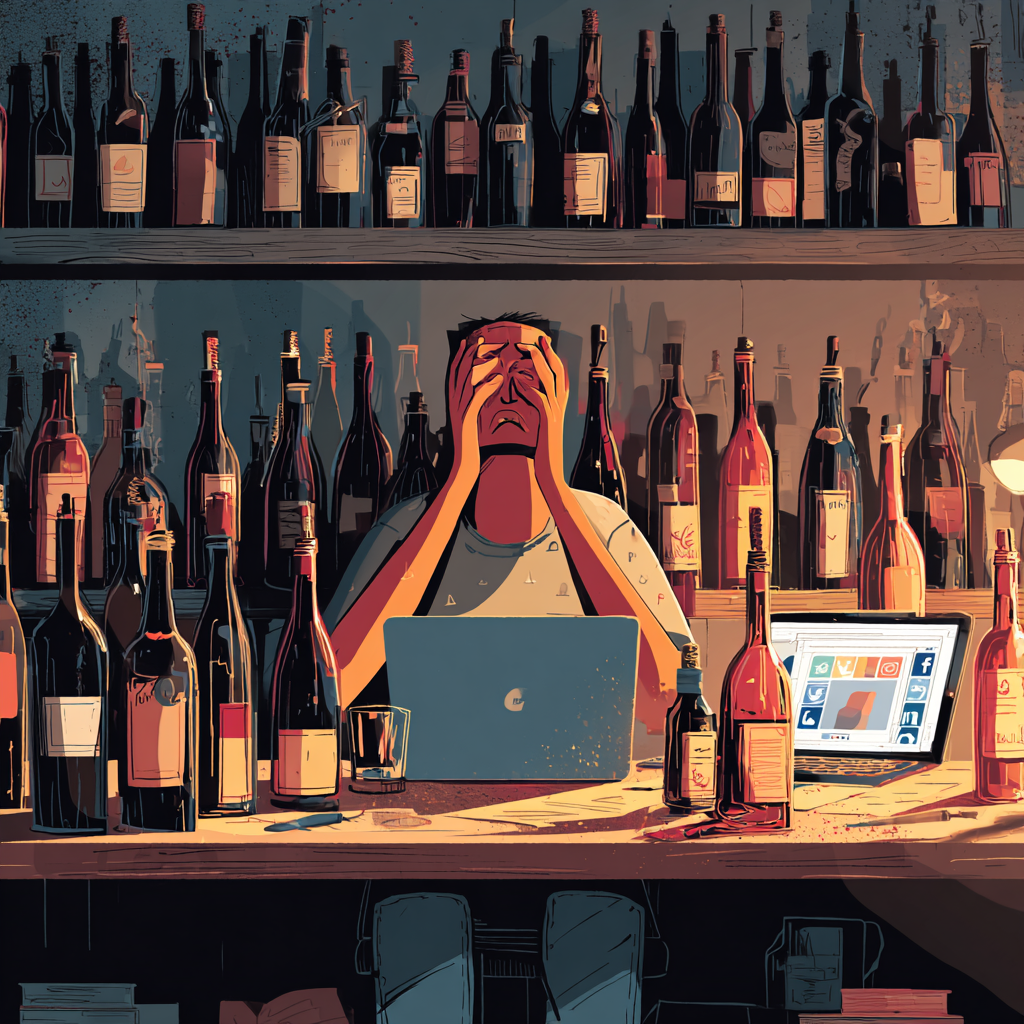
Many wineries, tasting rooms, and alcohol-related businesses have recently received a notification from Facebook stating:
“Your Page didn’t follow the rules, so it isn’t being suggested to other people right now.”
At first glance, this message can feel alarming. However, in most cases, it does not mean your Page violated Facebook policies. Instead, it reflects how Meta now handles Page recommendations for regulated industries, including alcohol.
If you manage a Facebook Page for a wine brand, tasting room, or alcohol-related business, understanding what’s happening and what actions are still available can help you adjust your marketing strategy without overreacting.
Before making any changes, confirm whether Facebook is currently recommending your Page. Facebook does not make this information easy to find, but Page admins can view it directly.
This dashboard shows the current status of your Page, including whether it is being recommended by Facebook. The recommendation status appears on the far right under the Extra Features section.
If your Page is restricted or found in violation, Facebook will typically indicate it here and point you toward next steps. For alcohol-related businesses, this almost always involves reviewing and correcting age settings.
Facebook, now Meta, uses automated recommendation systems to decide which Pages appear in discovery features such as “Pages You May Like.”
Under current guidelines, content related to regulated products, including alcohol, is often excluded from proactive recommendations.
This means:
This is a classification decision, not a suspension or penalty.
When Facebook stops recommending your Page, you may experience:
The good news is your Page remains searchable, functional, and eligible for advertising as long as it meets age and content requirements.
Correct age settings are critical for alcohol-related Pages. Facebook expects these Pages to be classified properly, and incorrect settings are one of the most common reasons Pages lose recommendation eligibility.
After saving your age restriction changes, you will need to wait 24–48 hours for Facebook to review the updates and refresh your Page status. If your Page status does not update after this period, we recommend reporting the issue to Facebook immediately.
Important: Do not use the generic 21+ age restriction option. Alcohol-related businesses should be classified specifically as Alcohol Related, not manually age-gated or you will not pass their review process.
In some cases, Pages lose recommendation eligibility due to automated classification systems. If your Page shows no policy violations, you may be able to request a review through:
While reviews do not guarantee changes, they can provide clarification or correction if your Page was incorrectly flagged.
Because organic recommendations may be limited for alcohol-related Pages, successful wineries and tasting rooms are diversifying how they reach consumers:
There is no setting or appeal that guarantees Facebook will resume recommending an alcohol-related Page. This limitation applies broadly across regulated industries and is not based on Page performance.
Attempting to misclassify your business or remove age restrictions can lead to policy violations and increased account risk.
Facebook’s decision to stop recommending alcohol-related Pages is not a punishment. It is a structural change in how regulated content is surfaced.
While organic discovery may decline, compliant businesses can still succeed by:
For wineries and tasting rooms, this shift reinforces the importance of building direct relationships with consumers through email, booking platforms, and curated experiences rather than depending solely on social media recommendations.